Knowledge Base
Renewal Center
Follow these steps to renew your hosting products/services via your Renewal Center.
- Log in to your Domains Dashboard.
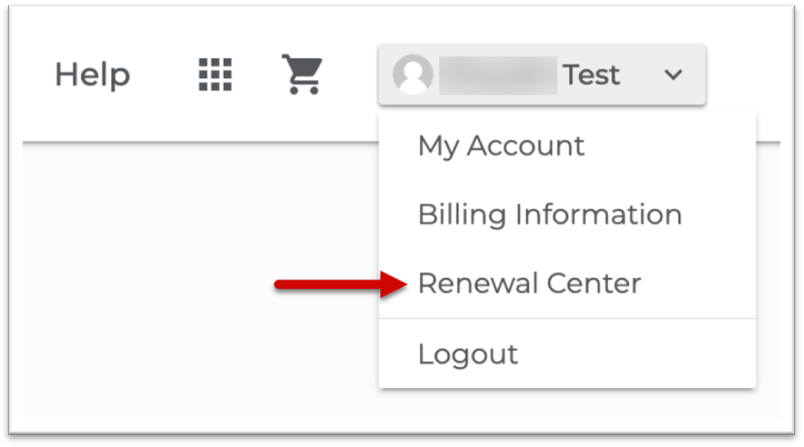
- Click the down arrow next to your username and select Renewal Center.
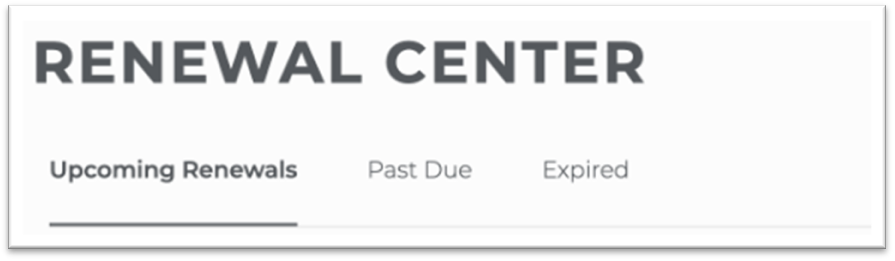
- The Renewal Center displays the following: Upcoming Renewals, Past Due, and Expired.
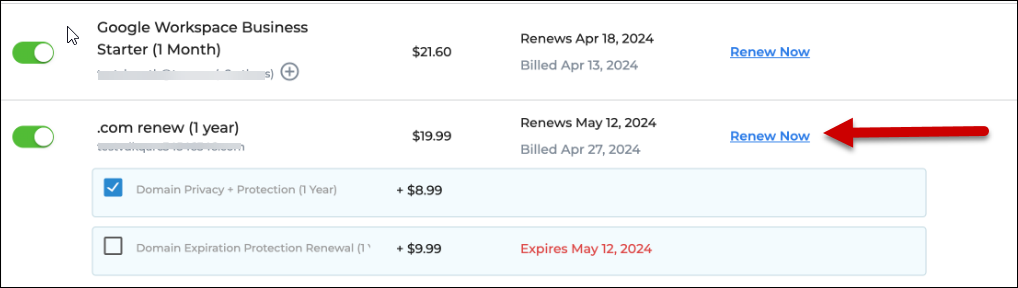
- The Renewal Center will now show all products in the account that are coming up for upcoming renewal.
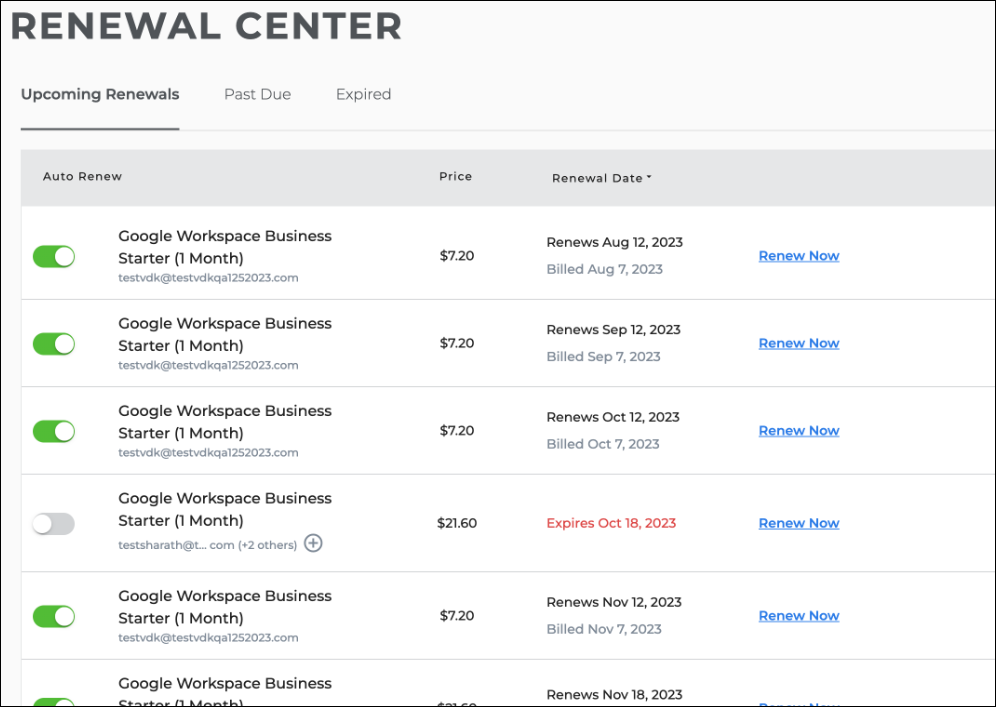
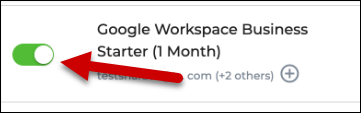
- Locate the hosting product/service you want to manage and use its toggle button to turn on or turn off Auto-Renewal.
- You can see any product's additional add-ons, such as Domain Privacy.
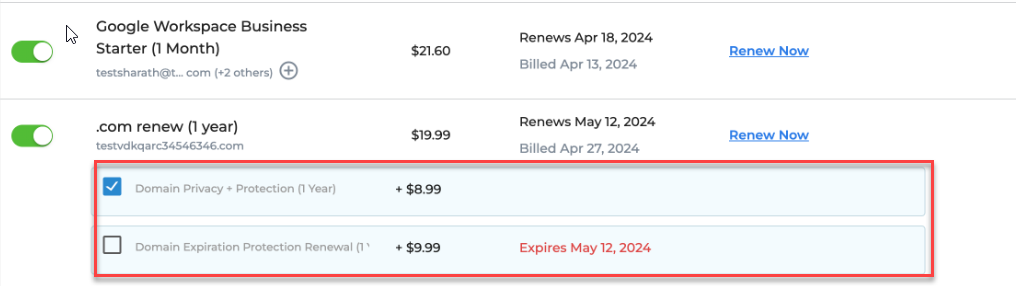
- Click Renew Now to renew the product or service.