Knowledge Base
Directory Browsing
- Log in to your account Hosting Summary.

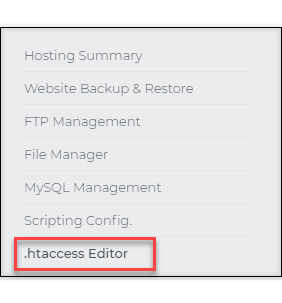
- On the left pane, click on .htaccess Editor.
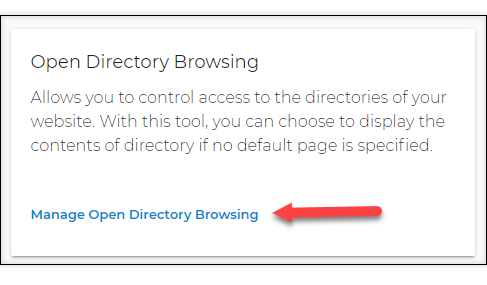
- In the .htaccess Editor screen, scroll down and look for the Open Directory Browsing tile. Then click on the Manage Open Directory Browsing link.
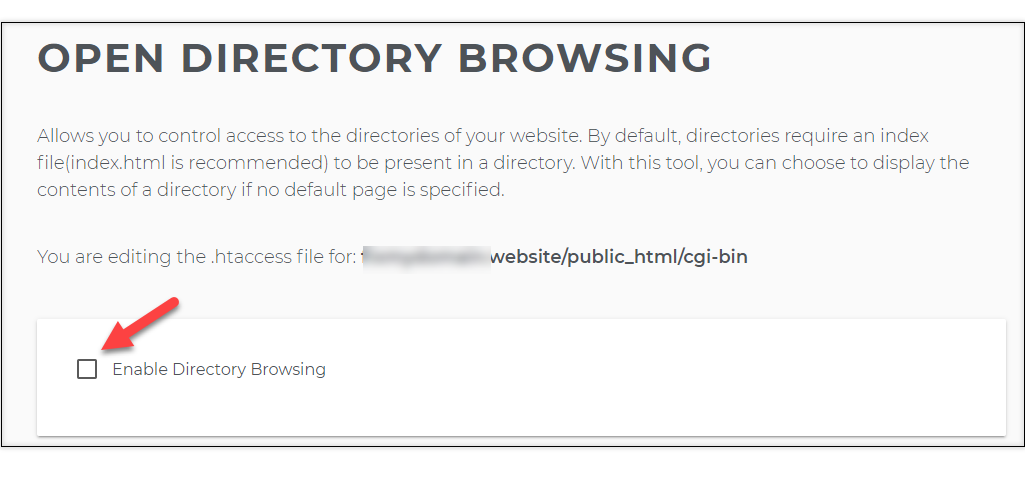
- On the next screen, click on the Enable Directory Browsing box.