Knowledge Base
Domain Registration: How To Renew Multiple Domains
-
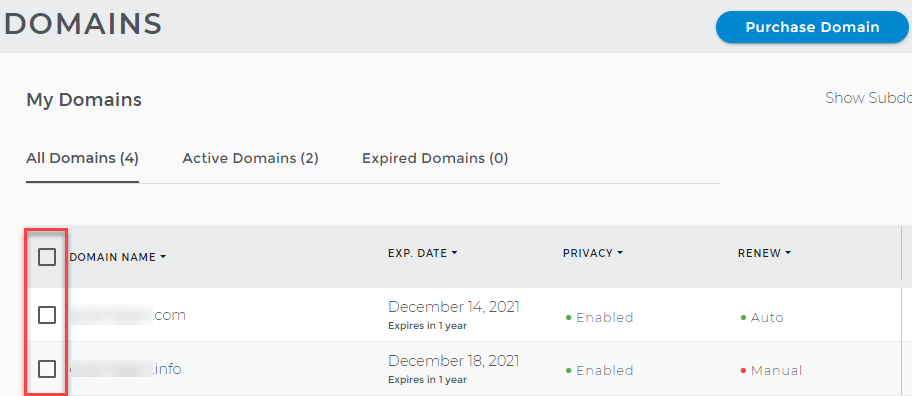
Log in to your Domains Dashboard.

- On the Domains page, select the domains you would like to renew.
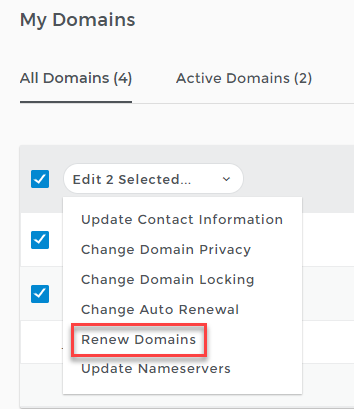
- Click Renew Domains from the drop-down menu.
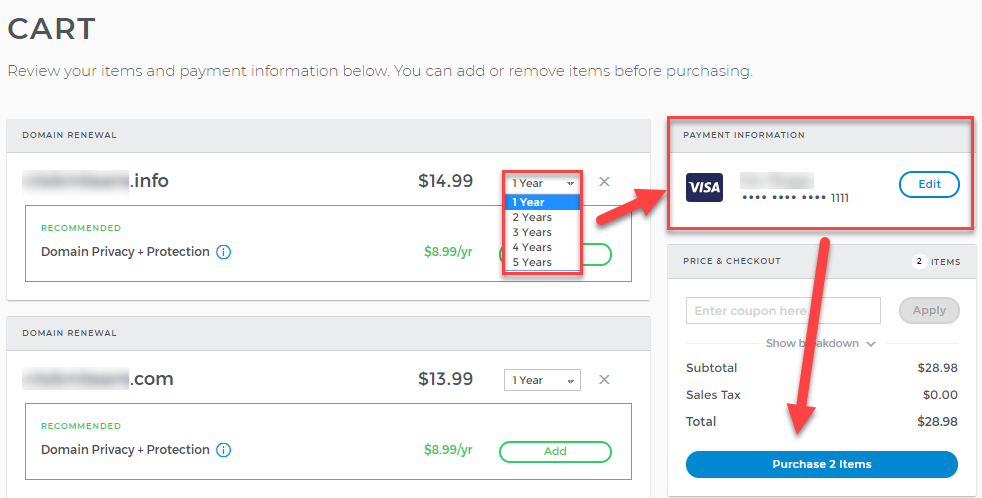
- Select how many years you want to renew the domains from the drop-down list.
- Check the payment information and edit the card details if necessary.
- Click the Purchase Items button.
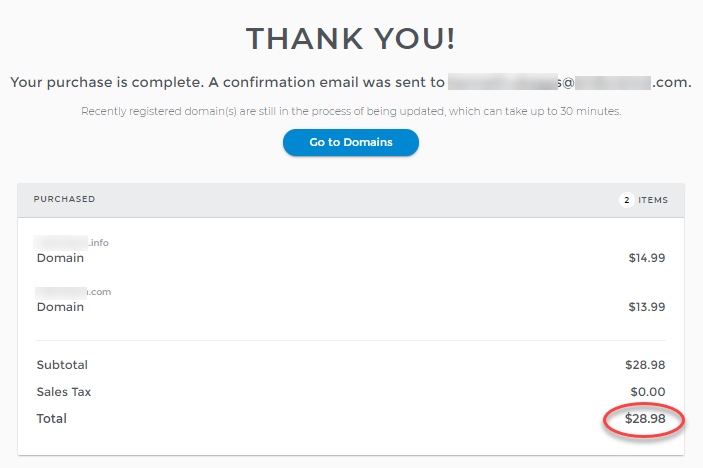
- You will be notified that your purchase is complete, and a confirmation email is sent to the account's administrative address.