Knowledge Base
How to Change Domain Privacy Settings - Domain Security
- Log in to your Domains Dashboard.

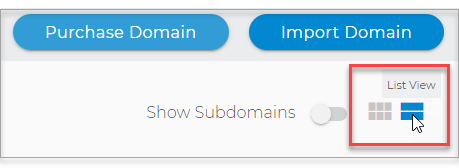
- Switch to List view.
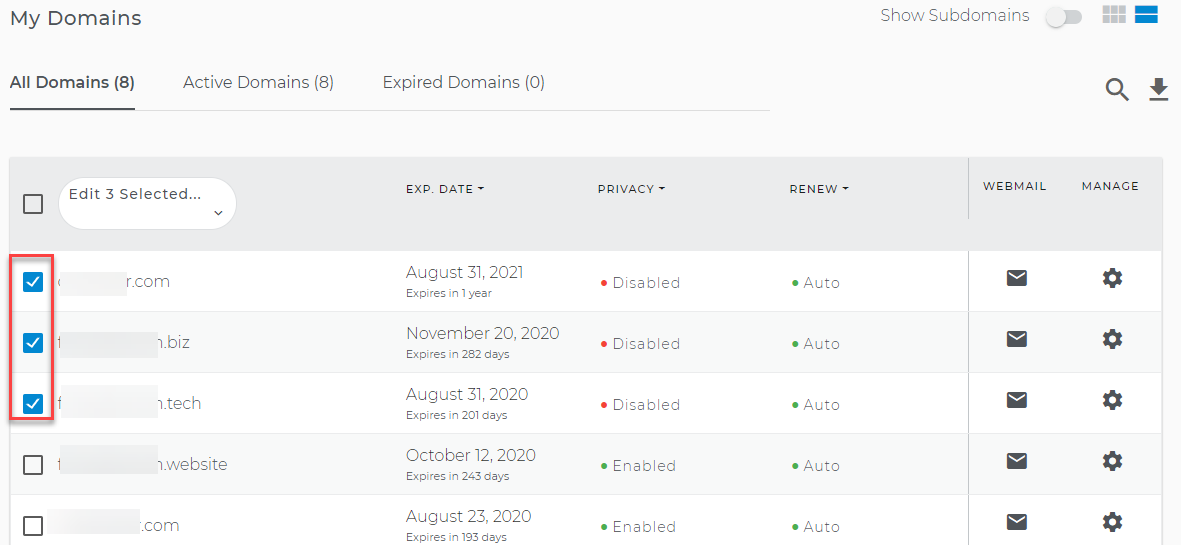
- Select the domain(s) that you want to modify.
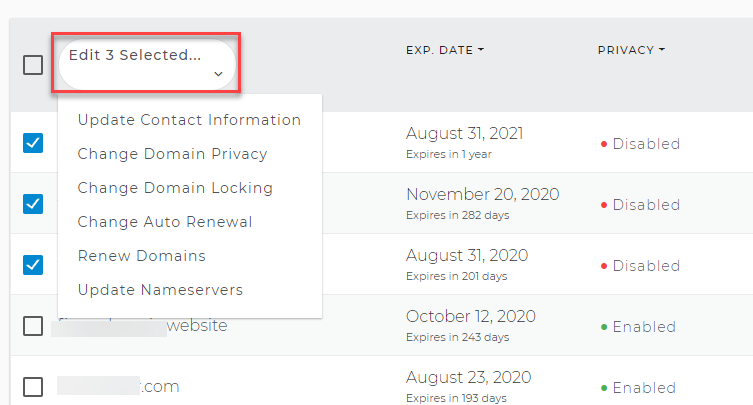
- From the upper part of the list, click on the dropdown menu.
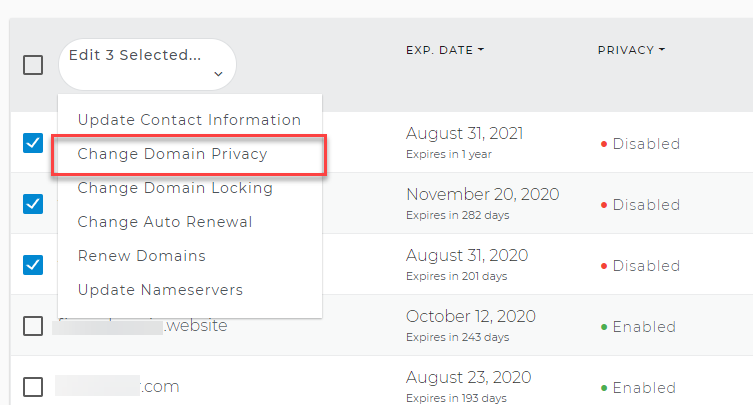
- Select Change Domain Privacy
- From here, you can:
- Select the Enable Privacy button if you want to enable domain privacy
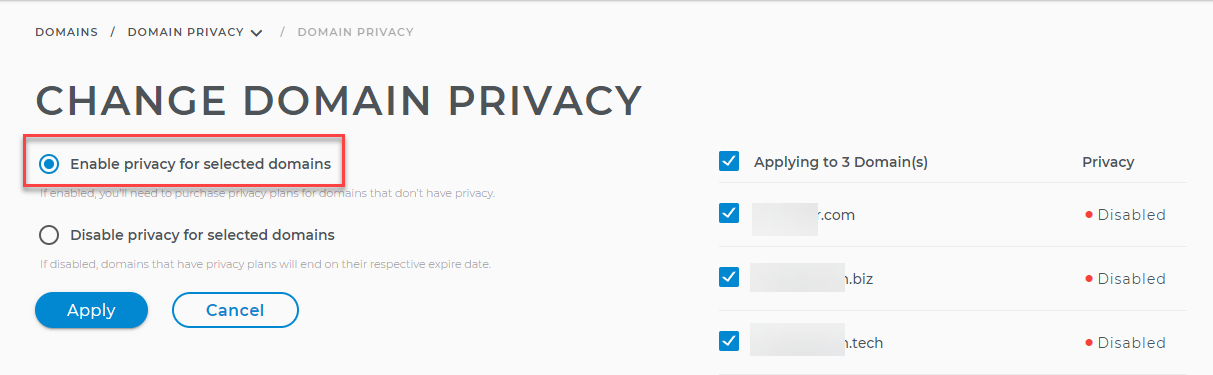
- or select the Disable Privacy button if you want to disable Domain Privacy.
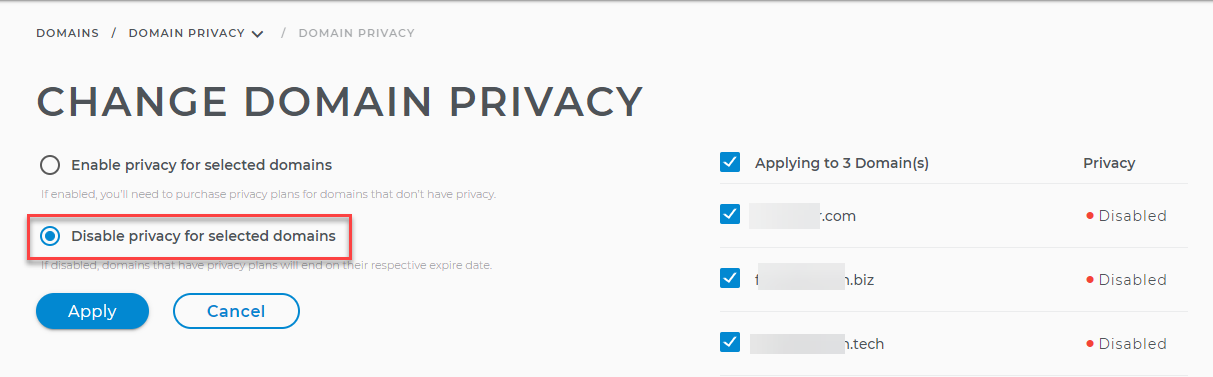
- Select the Enable Privacy button if you want to enable domain privacy
- Click the Apply button to save the changes.
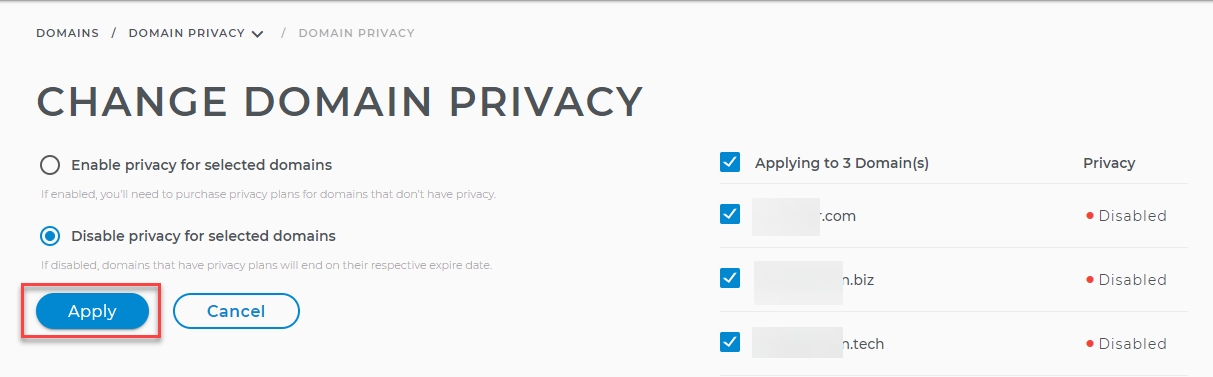
Note: Enabling privacy using the multiple domains editor will not prompt you to purchase domain privacy for domains that don't have it yet.