Knowledge Base
Domain Security: How To Unlock A Domain
-
Log in to your Domains Dashboard.
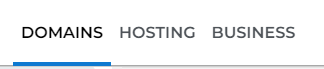
- On the dashboard, select the domain you are working on.
There are two views in the Domains dashboard - the Card and List views. Click on the view icons to switch to your preferred view.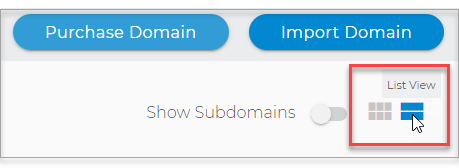
- Choose the domain you wish to modify.
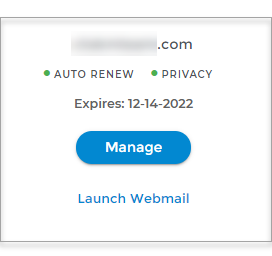
In the Card view, click the domain's Manage button.
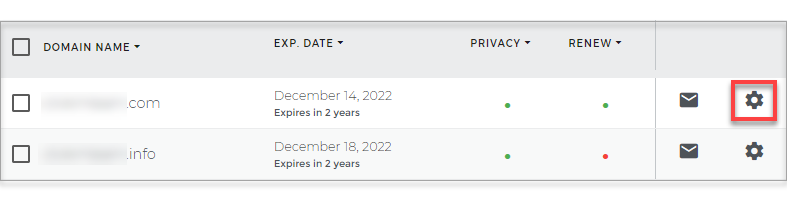
In List view, click the domain or its gear icon on the right-hand side.
- Toggle the Domain Lock to Green or to the Right.
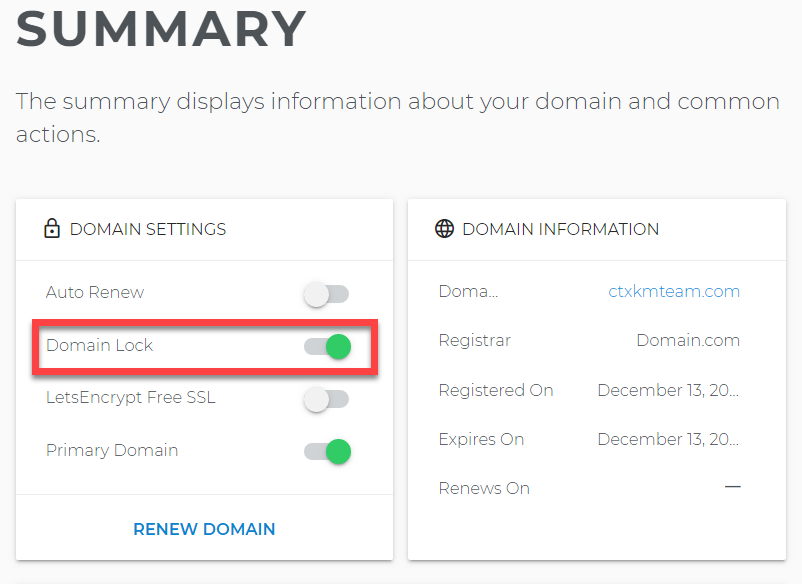
- To unlock your domain, reverse the toggle.