Knowledge Base
Email Management: How to Delete a Mailbox
-
Log in to your Domains Dashboard.

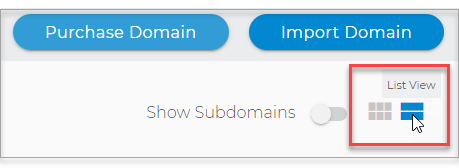
- There are two views in the Domains dashboard - the Card and List views. Click on the view icons to switch to your preferred view.
- Choose the domain where the email exists.
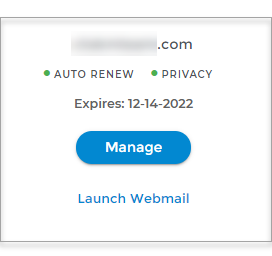
In the Card view, click the domain's Manage button.
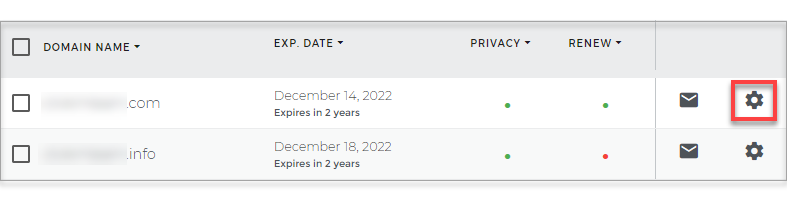
In List view, click the domain or its gear icon on the right-hand side.
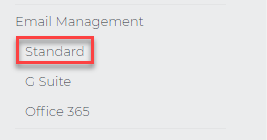
- On the left pane, under Email Management, select Standard.
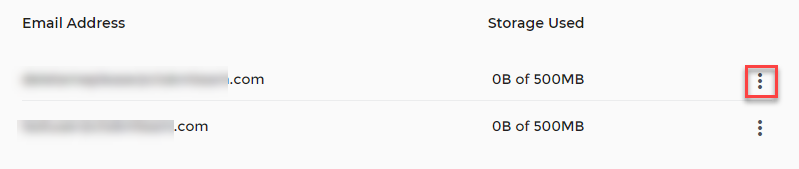
- Click the three-dotted menu.
- Click Delete Account.
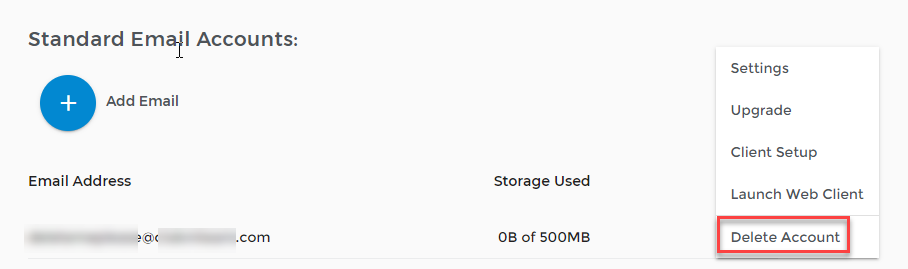
Important: Deleting a mailbox will permanently remove all of its contents. This cannot be undone.