Knowledge Base
File Management: How to Move Files and Folders Using File Manager
Move Files or Folders
- Log in to your account Hosting Summary.

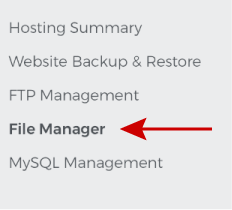
- Click on File Manager in the left panel.
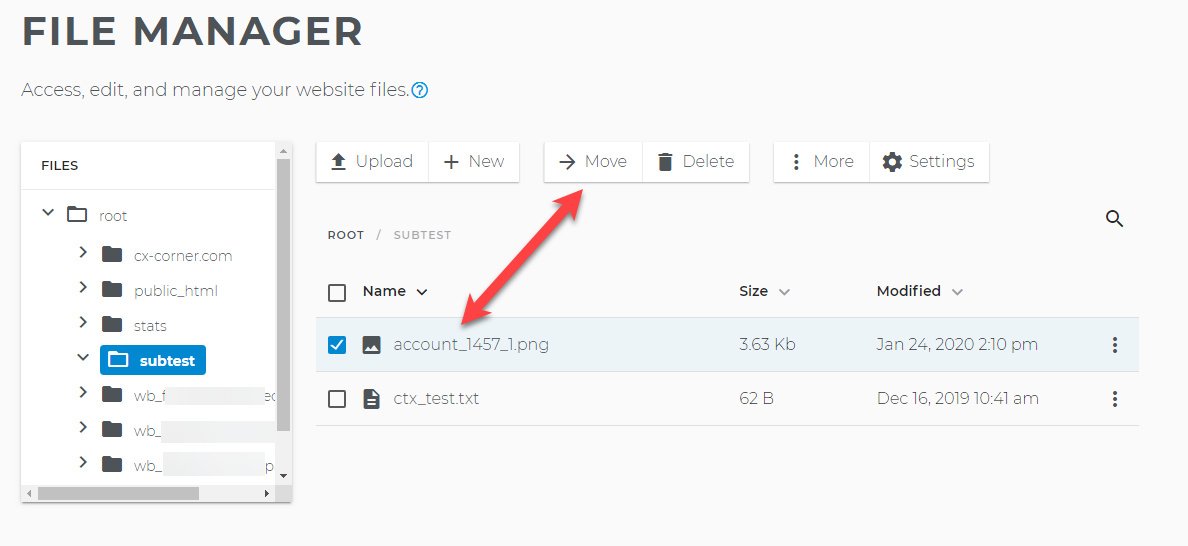
- Go to the folder and file your want to move. Click Move.
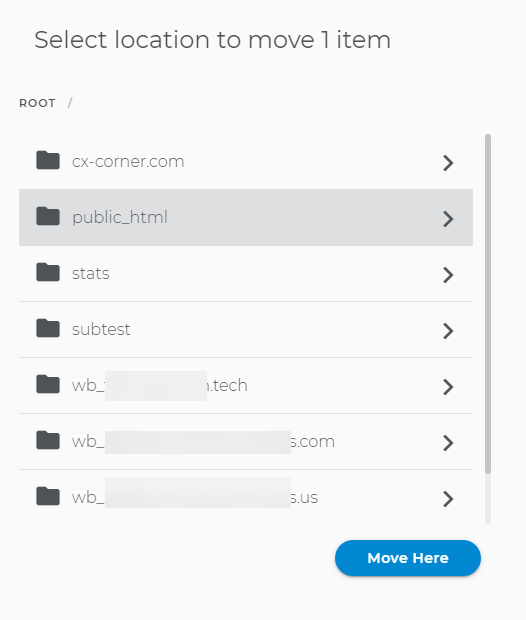
- Select the location where you want to move the file. Click Move Here.
- The file has been moved to the new location.
Note: You can move folders in exactly the same way that you move files.