Knowledge Base
Google Workspace Reseller Transfer Process (Formerly G Suite)
G Suite just got better - introducing the Google Workspace!
If you want to transfer the management of your Google Account, Google now requires that you provide them with a transfer token. The following article illustrates how you can obtain that token, which you furnish to Google to initiate the transfer.
- Log in to your Domains Dashboard.

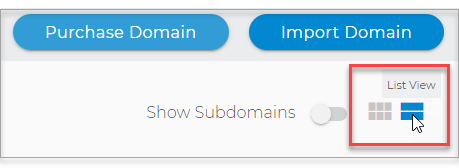
- The Domains Dashboard has two views, the Card and List view. You can switch between the two by clicking on the view icons at the top right corner.
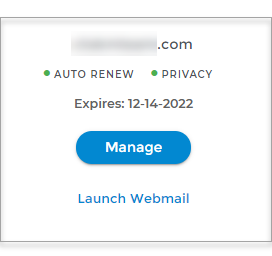
- In Card View, click Manage on the domain with your Google Workspace account.
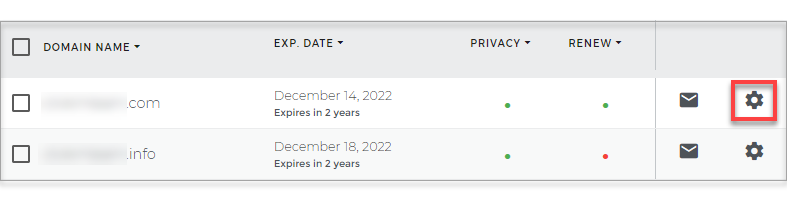
- In List View, click on the cog icon.
- In Card View, click Manage on the domain with your Google Workspace account.
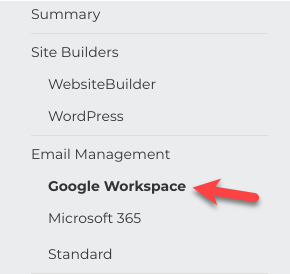
- Click on Google Workspace in the left-hand menu.
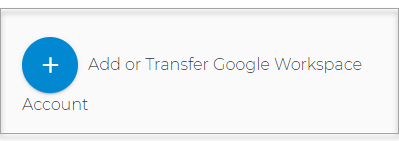
- Click on the blue + sign button.
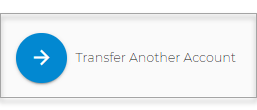
- Select Transfer Another Account.
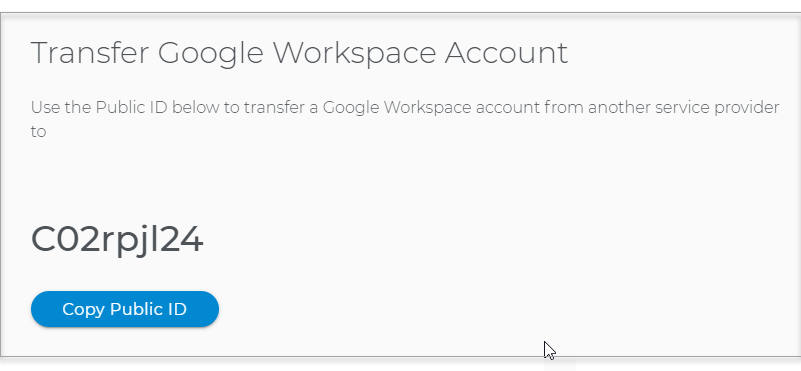
- Then click on the Copy Account ID button.
- The ID is copied to your clipboard.
- Supply the Account ID to Google by following the steps provided in the links below:
Note: Transfer tokens expire 14 days after being generated. If the token expires, you must repeat the steps provided by Google to generate another transfer token.