Knowledge Base
Categories: Microsoft_365_F
How Do I Login to Microsoft 365?
We no longer offer Microsoft Office 365 products at this time. If you have already purchased Microsoft Office 365, you may continue to manage your subscription through the Account Manager. If you are looking for a professional email solution, Google Workspace is an excellent alternative for a professional email and provides a full suite of productivity and communication tools.
Add Microsoft 365 to your account by following the steps below
- Login to your Domains Dashboard.

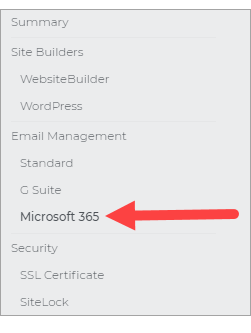
- Click on Microsoft 365 on the left pane menu.
- On the right side click "Launch Microsoft 365."
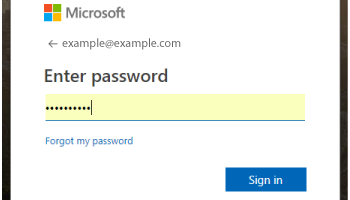
- On your first login, you may be prompted to enter your username and password.
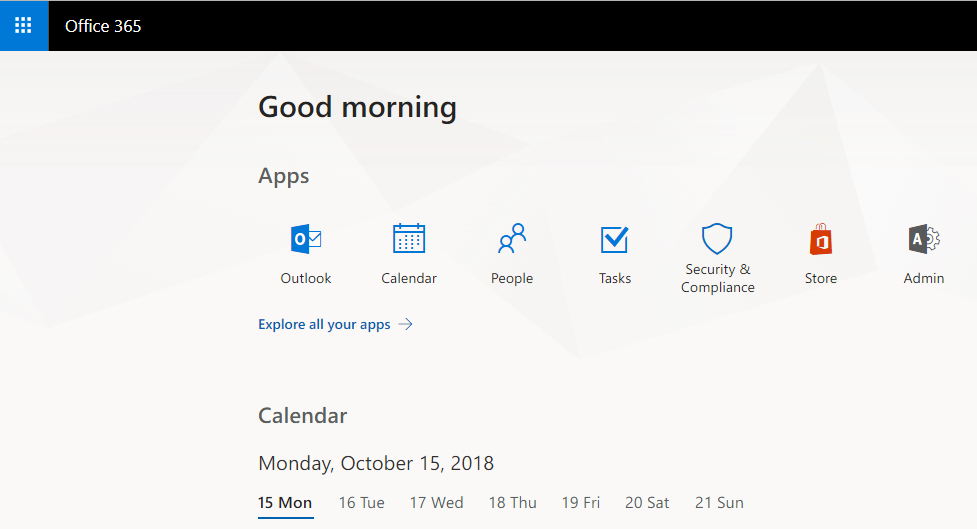
- After logging in you will have access to all of your Microsoft 365 tools.