Knowledge Base
How to Access the Admin Console in Google Workspace (Formerly G Suite)
G Suite just got better - introducing the Google Workspace!
How to Access the Admin Console?
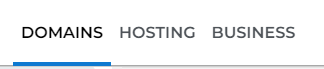
- Log in to your Domains Dashboard.
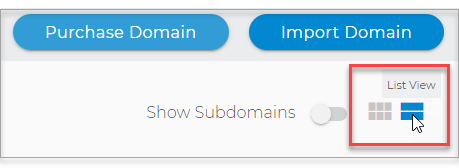
- The Domains Dashboard has two views, the Card and List view. You can switch between the two by clicking on the view icons at the top right corner.
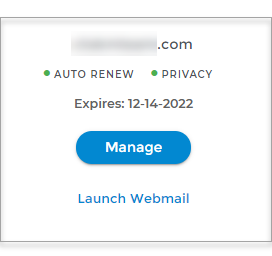
- In Card View, click Manage on the domain you wish to verify.
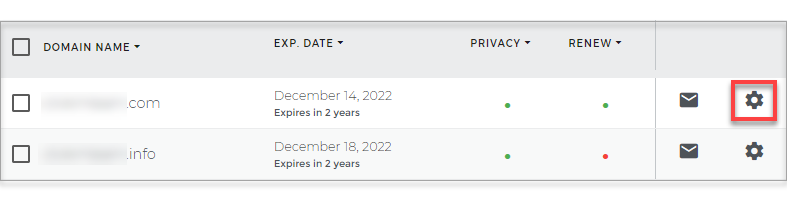
- In List View, click on the cog icon.
- In Card View, click Manage on the domain you wish to verify.
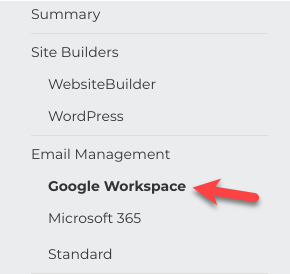
- Click on Google Workspace in the left-hand menu.
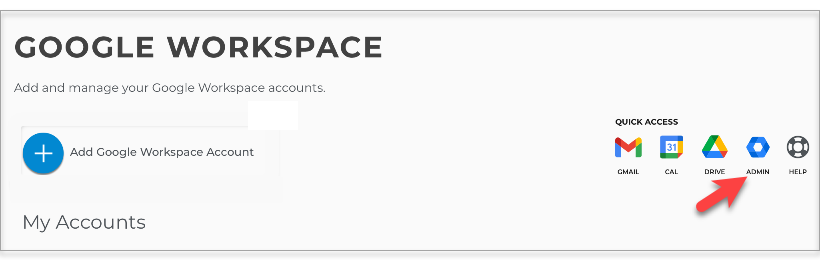
- Select your Google Workspace Admin Account.
- Click Admin.
- Enter your Admin Login Credentials.
- Click Sign-In.