Knowledge Base
Categories: SiteLock
How to Configure your SiteLock Firewall and CDN
The product that you just purchased is your TrueShield Firewall/CDN. This will be the proactive measure of your website security. TrueShield will be blocking out malicious traffic from hitting your website, including bad bots and a database of known malicious IP addresses.
To configure your True Shield firewall in the new Sitelock Dashboard, follow the steps outlined below:
To configure your True Shield firewall in the new Sitelock Dashboard, follow the steps outlined below:
Step 1. Launch your SiteLock Dashboard.
- If you have purchased services directly from SiteLock, you can go to sitelock.com and click on the LOGIN button at the top righthand corner.
- Your username will be the email address that you signed up for our services with.
- You may need to request a password reset if you are unable to sign in.
- If you have purchased our services through your hosting provider, the SiteLock Dashboard is accessible via your Control Panel.
Step 2. Configure TrueShield.
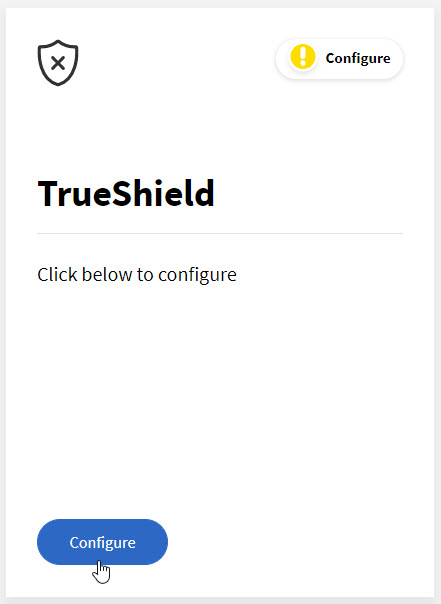
- Once you have logged into your dashboard, you will get a pop-up regarding the TrueShield configuration. Click on the Configure button to proceed to the setup.
- The next page you will see is the Step1 Manage SSL page.
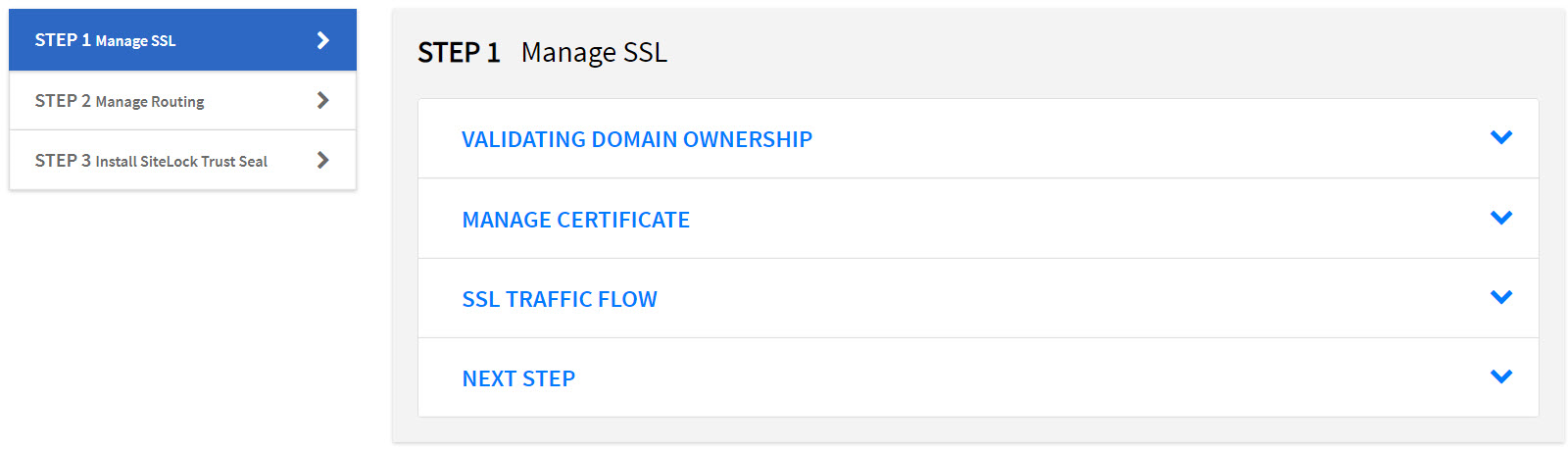
- You need to be logged into the location your DNS is managed (generally your hosting account).
- Add the provided value as a TXT record in your zone file. This will begin the SSL validation and usually takes up to 24 hours.
- Once the validation is complete, you will be able to proceed to Step 2.
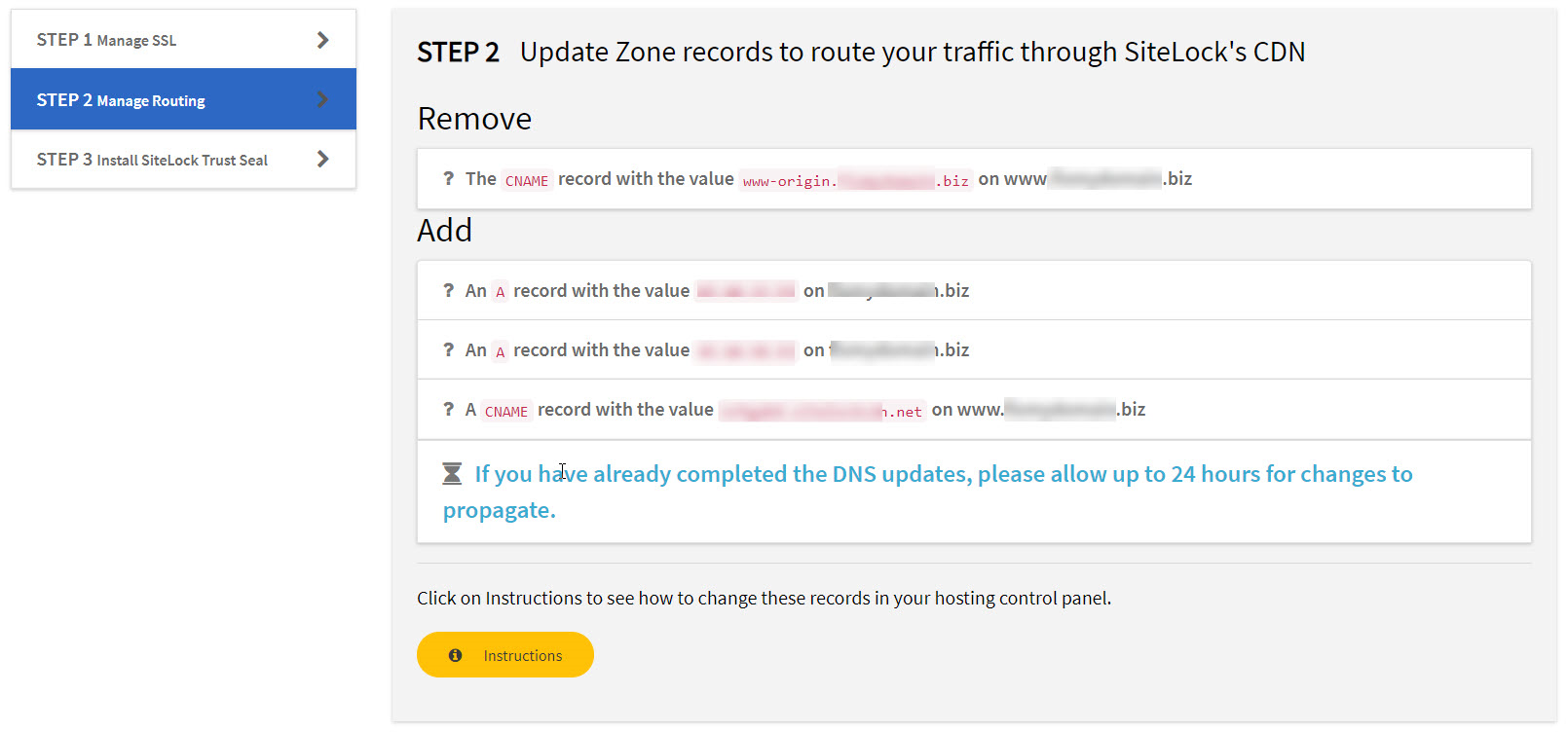
- Before placing the SiteLock records into your Zone Files:
- Ensure that any CNAME records pointing to the naked domain are converted to A records pointing to the origin server IP address. This will still allow access to specific ports not closed by the firewall (cPanel, WHM, webmail, FTP, etc.).
- Once the SiteLock records have been added to the zone, you will then proceed to Step 3, Installing the SiteLock Trust Seal to your website.
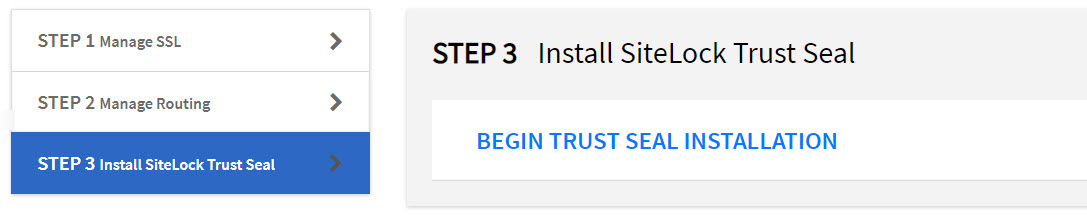
- The SiteLock Trust Seal allows your visitors to know that they are viewing a website that is secure and malware-free.
If you have questions or require further assistance, please contact us at 844-589-5311.
Our friendly security specialists will be more than happy to assist you.