Knowledge Base
How to Log in to WHM
Accessing your WHM
- Log in to your Netfirms Control Panel.
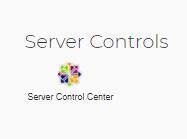
- Click on the Server Control Center icon.
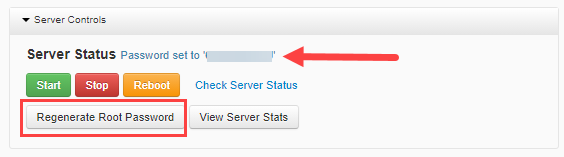
- Click on the Regenerate Root Password.
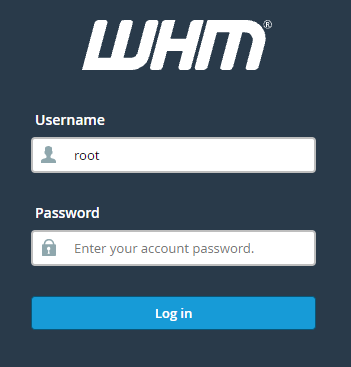
- Navigate to https://SERVER_IP:2087, where SERVER_IP is the IP address of your dedicated server.
Example: The Dedicated IP Address is 123.456.78.99, then the WHM login link will be https://123.456.78.99:2087
- Log in using 'root' as the userID and the password you received in step 3.
The username for WHM is always "root."