Knowledge Base
How to Purchase SEO Solutions
Our SEO Solutions provide you with an on-page analysis of your website, including keyword rankings, backlinks, and other checks. Get your personalized SEO plan to improve visibility with search engines.
Follow these steps to purchase SEO Solutions from your Domains dashboard:
- Log in to your Domains Dashboard.
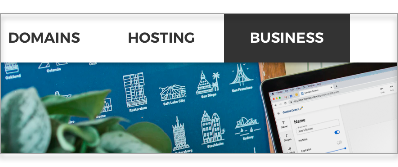
- Click the Business tab at the top corner of the page.
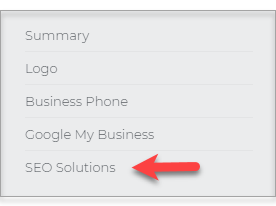
- Click SEO Solutions on the left sidebar.
- Select the domain you want to apply the SEO tools from the drop-down menu. Then click on the Improve Your SEO button.

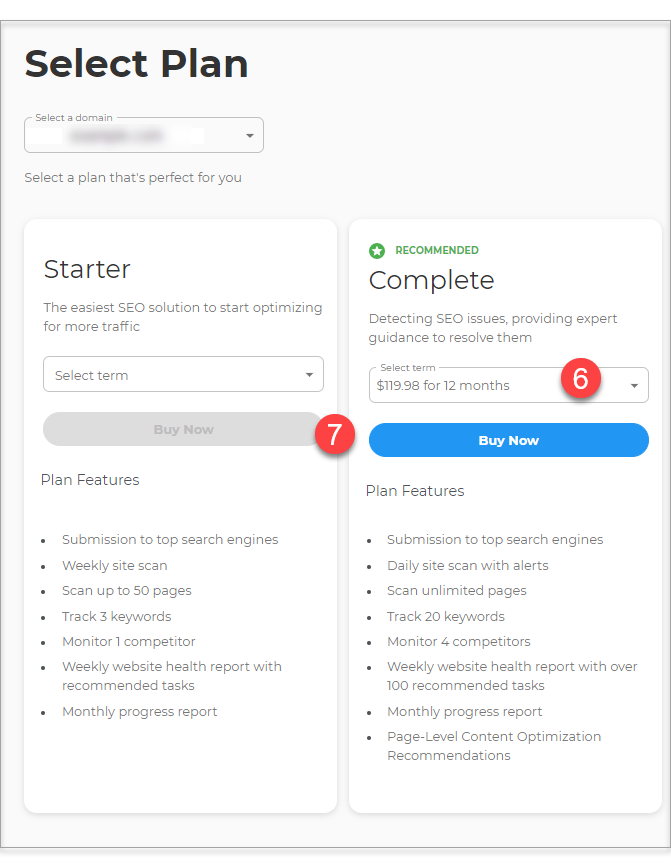
- Choose the perfect plan for you.
- Select the term duration from the drop-down menu under the plan.
- Click on Buy Now.
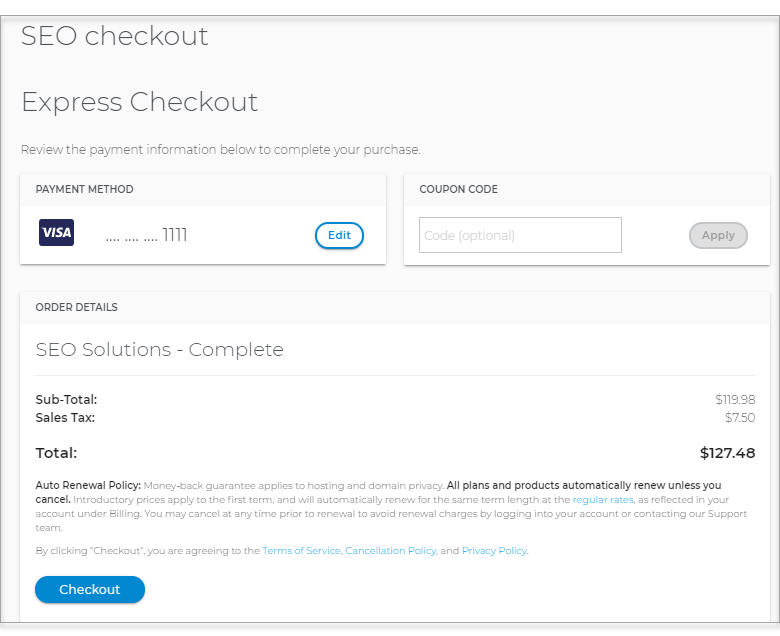
- The Make Payment page will load. Complete the payment information needed to checkout.
- Upon successful payment, click on the Get Started button to begin using the SEO Tools plan.
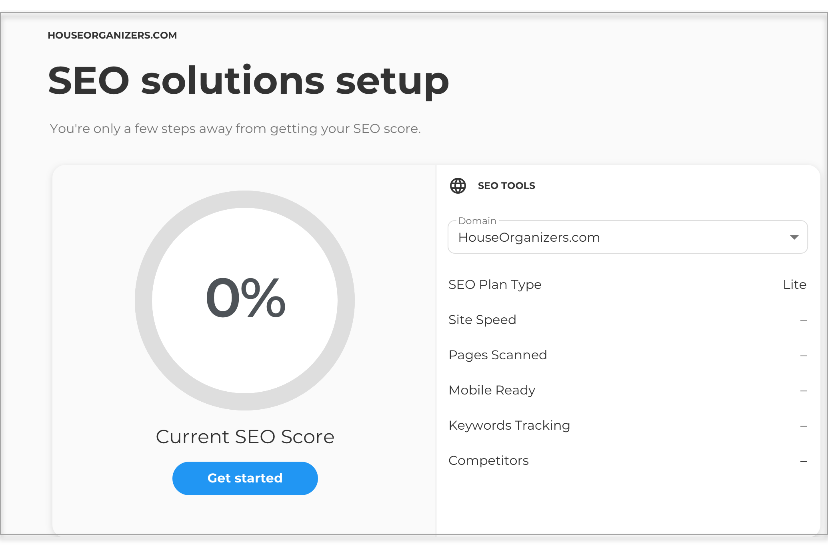
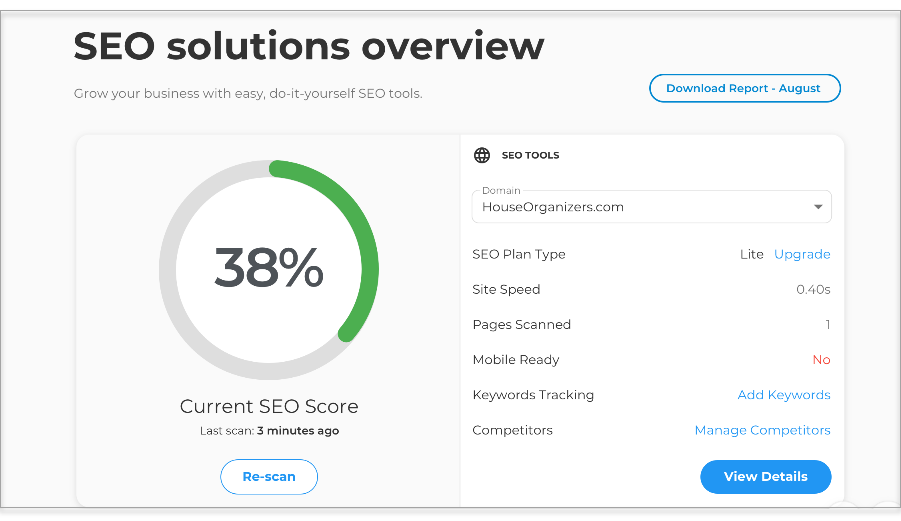
- The first scan will begin, and you will be routed to the SEO Solutions Overview page.