Knowledge Base
Categories: Joomla
Joomla: Introduction
How To Install Joomla
- Log in to your account Hosting Summary.

- From the Hosting Summary page, scroll down to Hosting Tools.

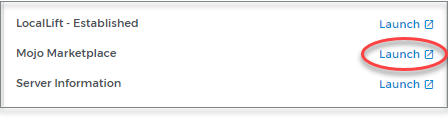
- Launch Mojo Marketplace.
- Locate Joomla (or visit this link).
- Click Install.
From there, continue following the installation process presented inside of Mojo Marketplace.