Knowledge Base
Categories: SiteLock
New SiteLock Dashboard: Overview
Once you've successfully purchased a SiteLock, the SiteLock dashboard overview page appears. Showing the following sections:
MAX Risk Score represents your highest Risk Score across all your domains.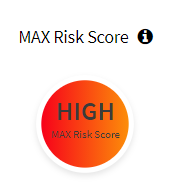
The business Security section displays your products that aren't tied to a domain.
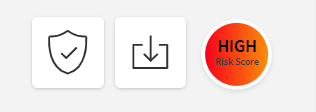
 This area shows the new location of your Risk Score, Security Summary Report, and Trust Seal.
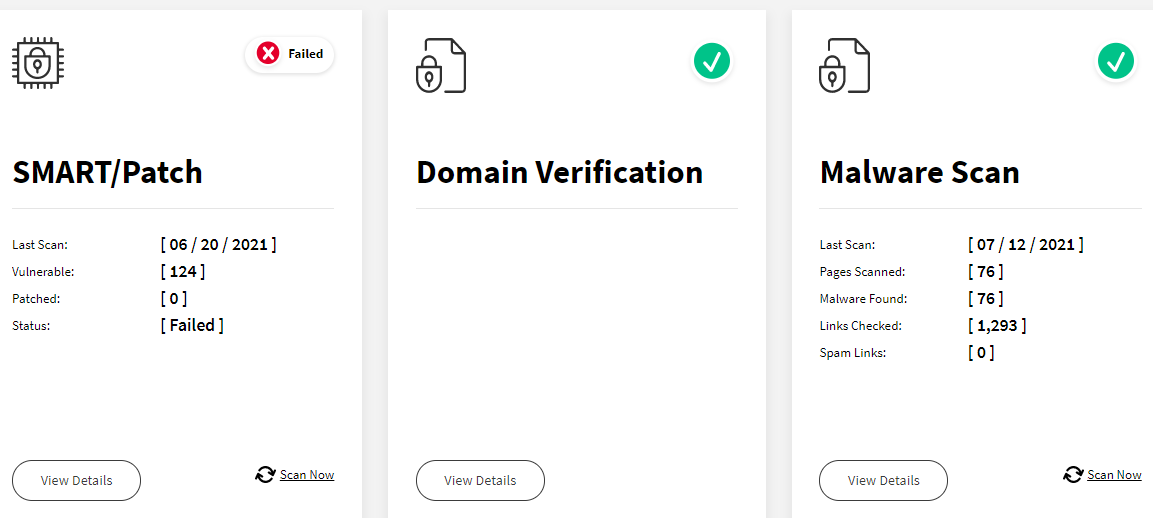
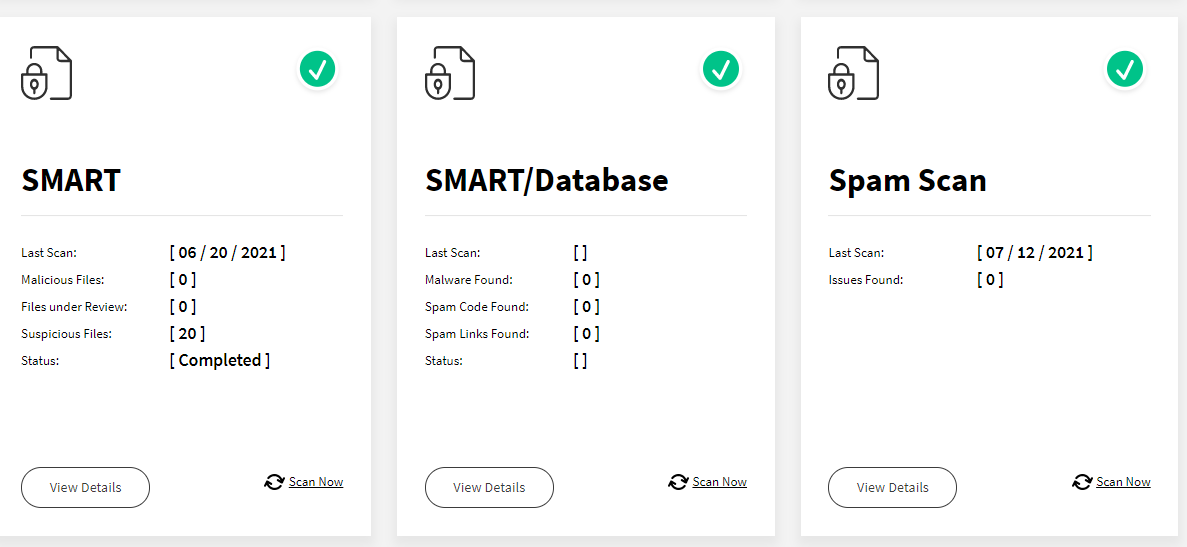
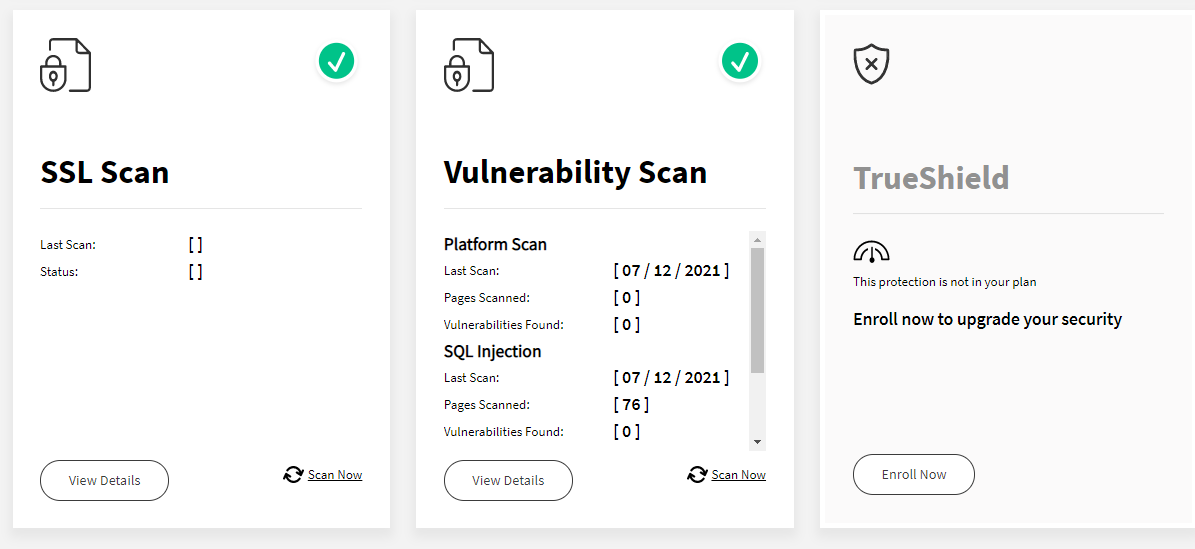
 On Product Drill Down Information, the new Product Cards have replaced the old Bubbles.
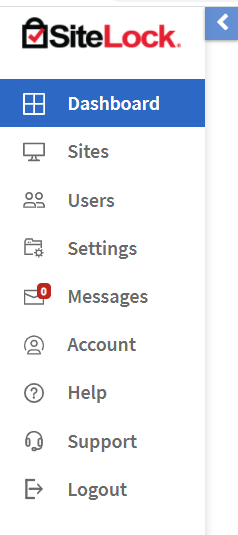
 The new navigation menu provides access to messages, support, language, logout, settings, and more.
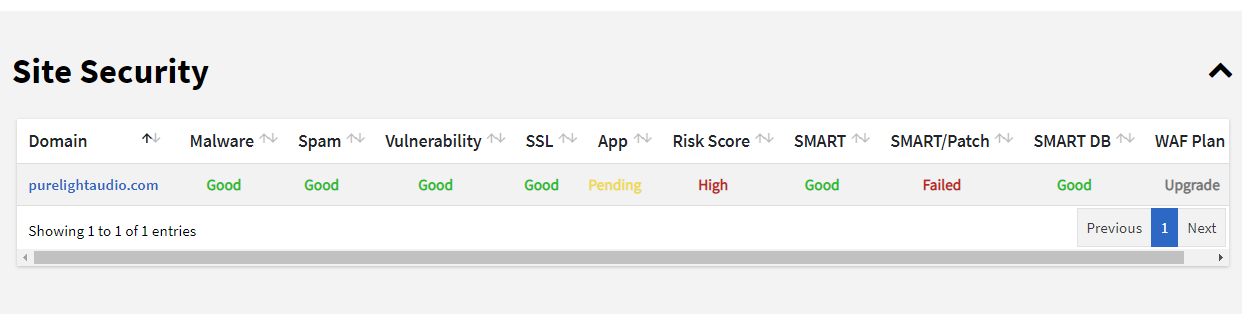
 Website Security overview includes scan results, WAF plan, SSL, and more.
Back to top.
If you have questions or require further assistance, please contact us at 855-426-0519 and select option 2 for support. Our friendly security specialists will be more than happy to assist you.
MAX Risk Score represents your highest Risk Score across all your domains.
Back to top.
If you have questions or require further assistance, please contact us at 855-426-0519 and select option 2 for support. Our friendly security specialists will be more than happy to assist you.