Knowledge Base
Categories: SiteLock
New SiteLock Dashboard: What's New
The SiteLock Dashboard puts the power of cybersecurity at your fingertips. Our simple, intuitive platform provides users with important details regarding the security of their website(s) and delivers real-time insights on website health and product performance to support a good security posture. With a few simple clicks, users can easily manage account details, drill down into product performance, and get access to 24/7 support.
 Back to top.
What's new?
The newest version of the SiteLock dashboard still contains all of the same product, account, and support information users are familiar with, but with an updated and intuitive visual design to help streamline navigation, improve understanding of product performance, and enhance the overall experience.Product Drill-Down
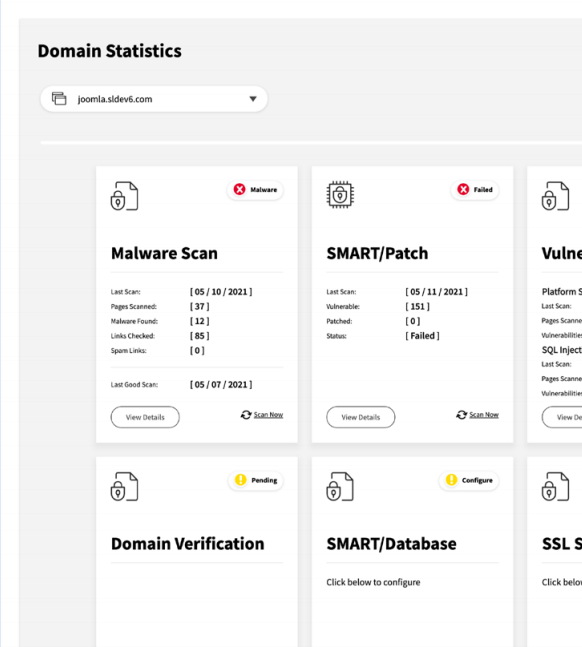
Users now have the ability to "drill down" into product cards for more detailed security information, including backup quota usage, scan dates, custom scan statistics, and a list of Web Application Firewall (WAF) features.Max Risk Score
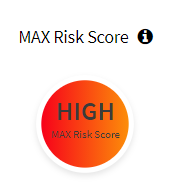
New "Max Risk Score" highlight - For subscriptions that include the SiteLock Risk Score, users will now see the highest risk score across all their account's domains highlighted at the top of the dashboard. With a quick glance, users can see if SiteLock has identified any of their sites to be at risk.Separation Between Account-Level and Site-Level Subscriptions
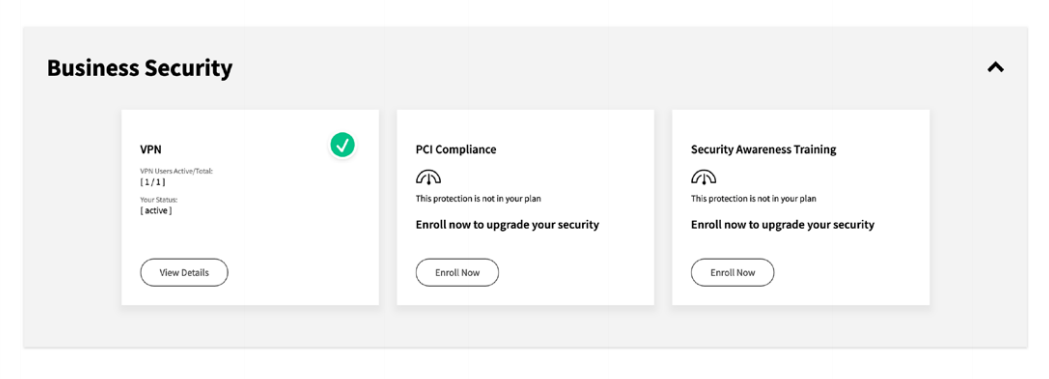
Users can easily and intuitively view their account-level and site-level subscriptions, finding important information faster.Language Selections
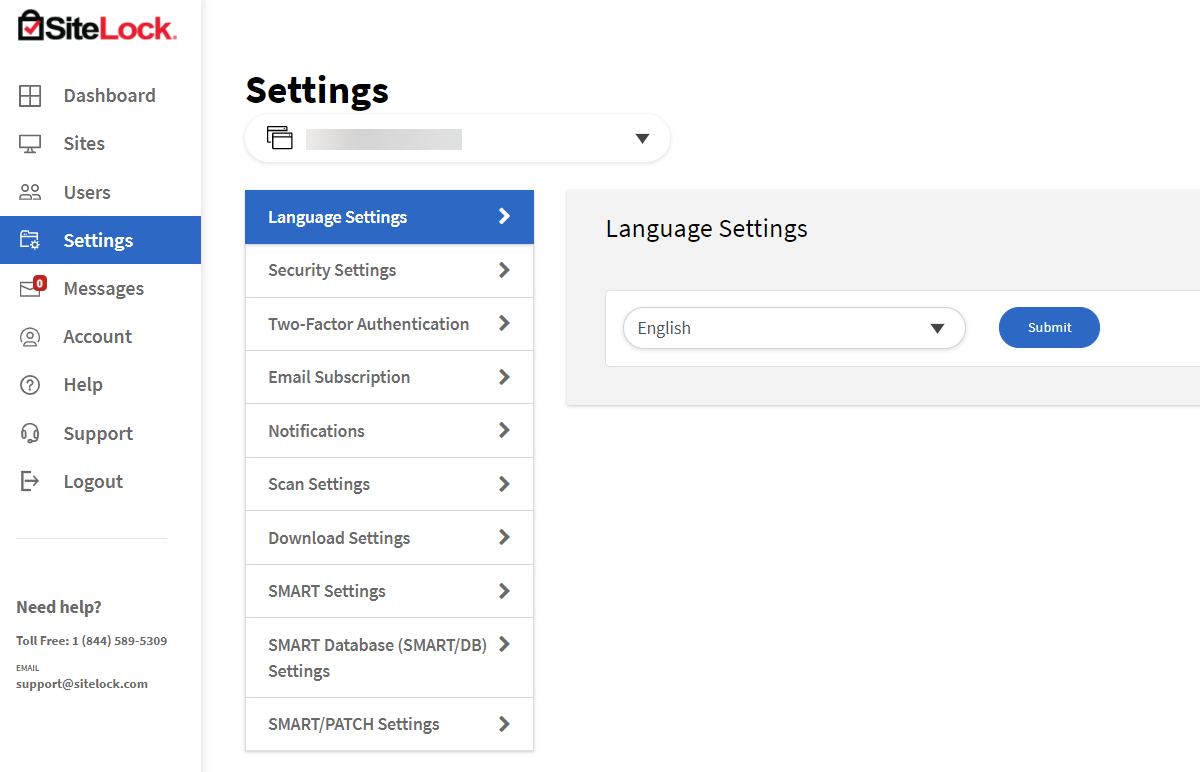
Dashboard language is specific to user login. The Language selection has been moved from the top bar to the Settings menu.Messages & Logout
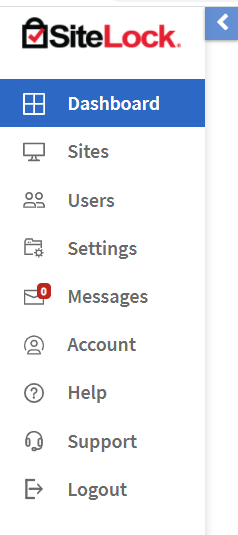
Users can now find Messages as well as the Logout button on the main navigation on the left side of the screen.Trust Seal & Security Summary Report
Users can now find the Trust Seal and Security Summary Report in the "Domain Statistics" section of the Dashboard. If managing on multiple sites, users can change the domain using the smart dropdown in this section.
If you have questions or require further assistance, please contact us at 844-589-5311.
Our friendly security specialists will be more than happy to assist you.