Knowledge Base
Categories: Webmail
Roundcube: Message Signature
How To Create A Message Signature
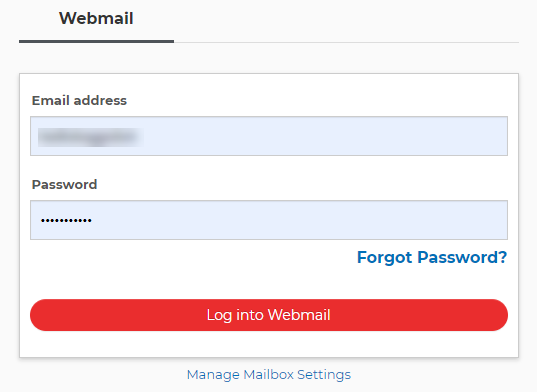
- Log in to your webmail account.
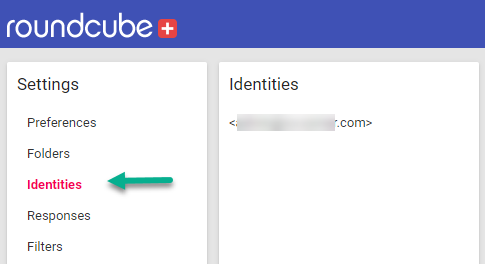
- Go to the Settings section of Roundcube.

- Click Identities (left side of the screen).
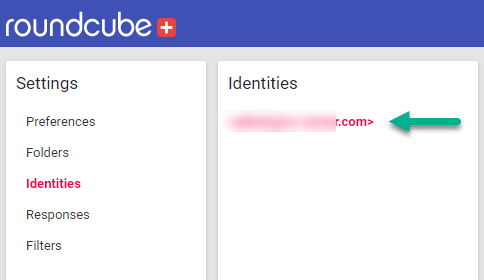
- Click on the identity you want to create a signature for (you should have at least one by default).
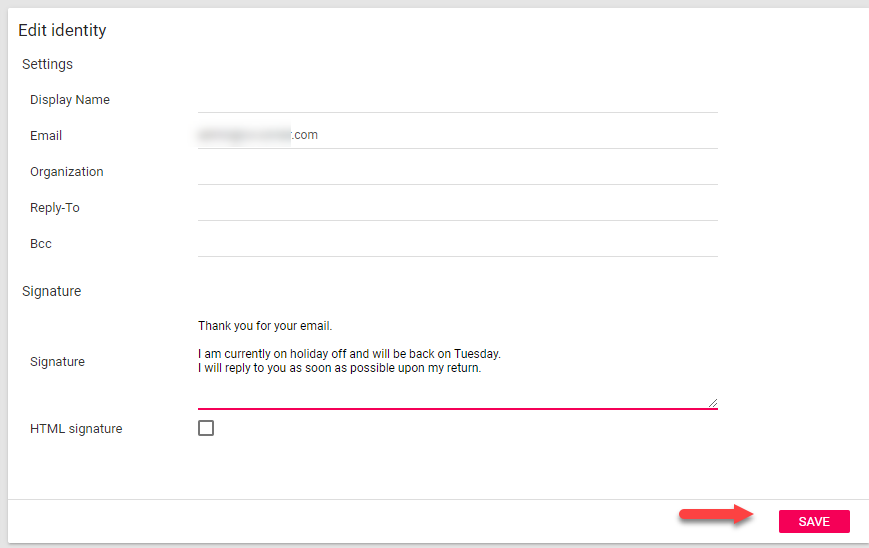
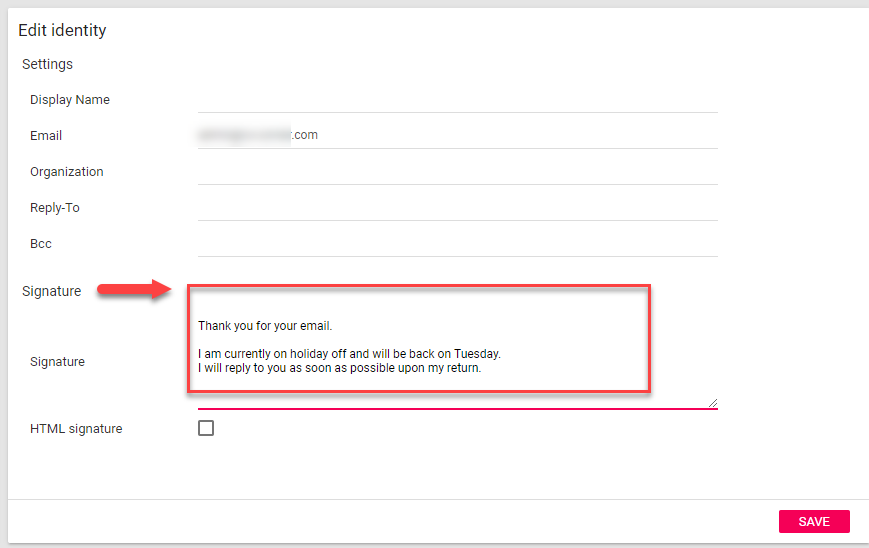
- Use the interface provided to modify your signature.
- Click Save.