Knowledge Base
Security: How to Purchase and Enable SiteLock
How to Enable SiteLock Protection
- Log in to your Domains Dashboard.
- On the dashboard, select the domain where your SiteLock is situated.
There are two views in the Domains dashboard - the Card and List views. Click on the view icons to switch to your preferred view.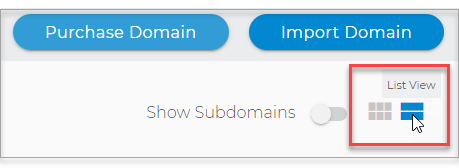
- Choose the domain you wish to modify.
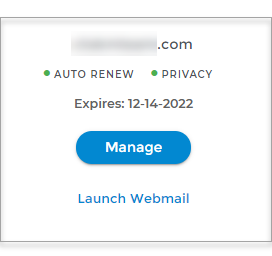
In the Card view, click the domain's Manage button.
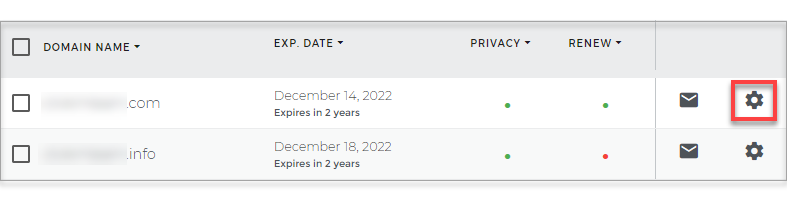
In List view, click the domain or its gear icon on the right-hand side.
- Click on SiteLock in the left panel.

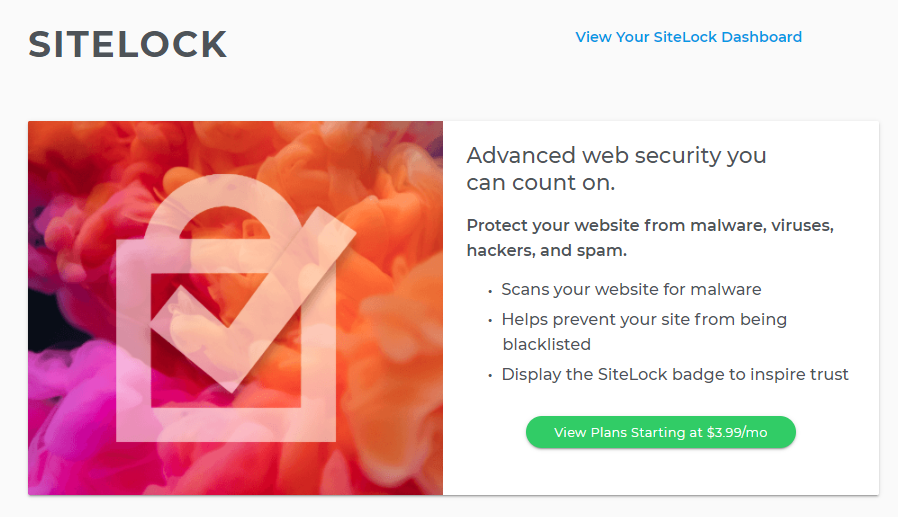
- Click on View Plans.
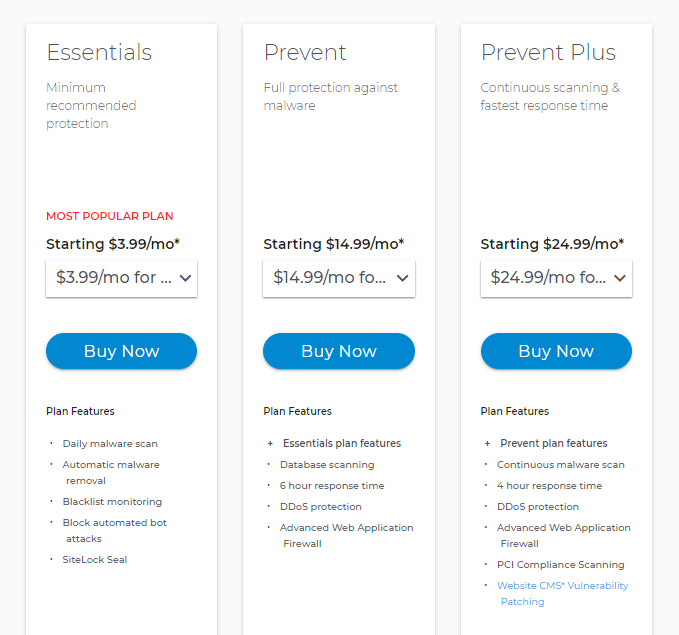
- Choose your plan, term length from the drop-down arrow, and Buy Now.
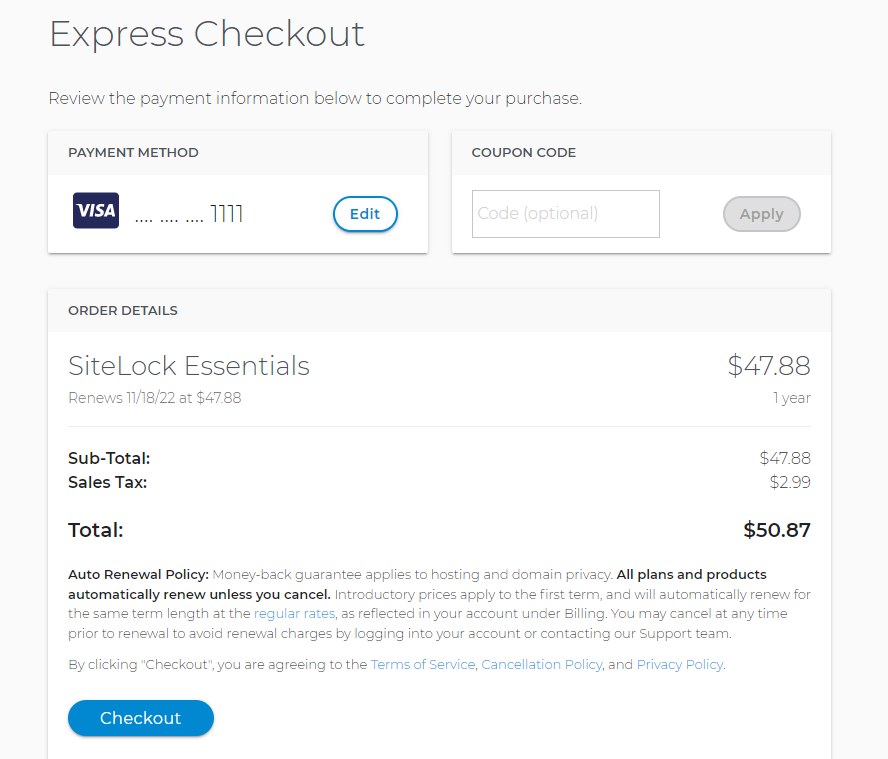
- Review billing and Checkout.
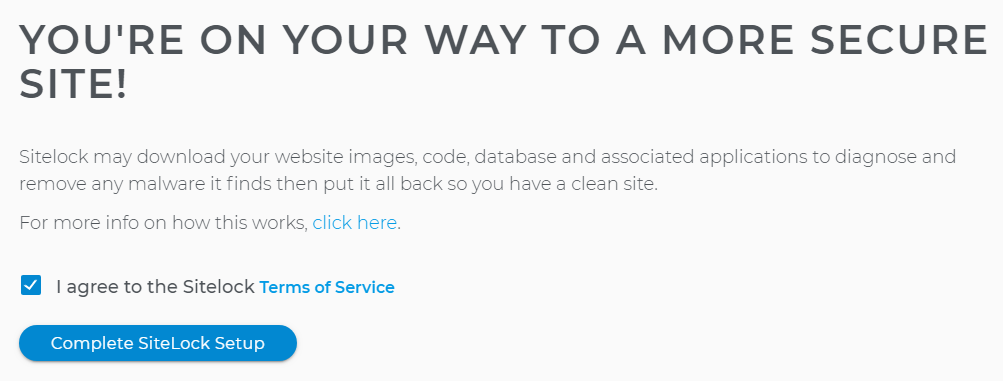
- Agree to the Terms of Service Agreement and Complete setup.
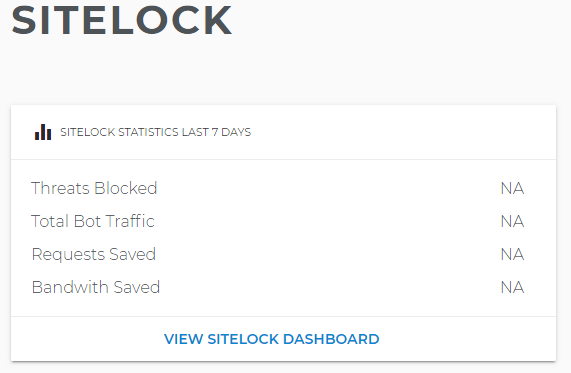
- SiteLock is now protecting your site.
If you have questions or require further assistance, please contact us at 855-426-0519.
Our friendly security specialists will be more than happy to assist you.