Knowledge Base
SEO Solutions Overview Page
Once you've successfully purchased an SEO Solutions plan and clicked on the Get Started button, the SEO Solutions Overview page appears. Showing the following sections:
Click on the View Details button to:

Back to top
Re-scan ⤵
Download Report ⤵
SEO Solutions ⤵
Connect Google Analytics ⤵
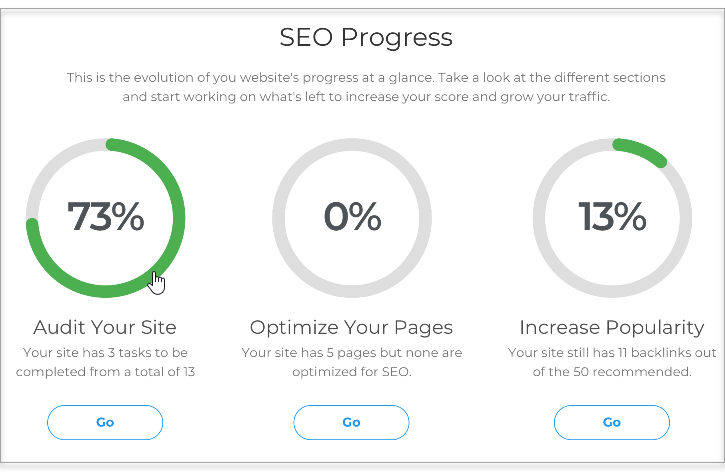
SEO Progress ⤵
Search Engine Indexing Status ⤵
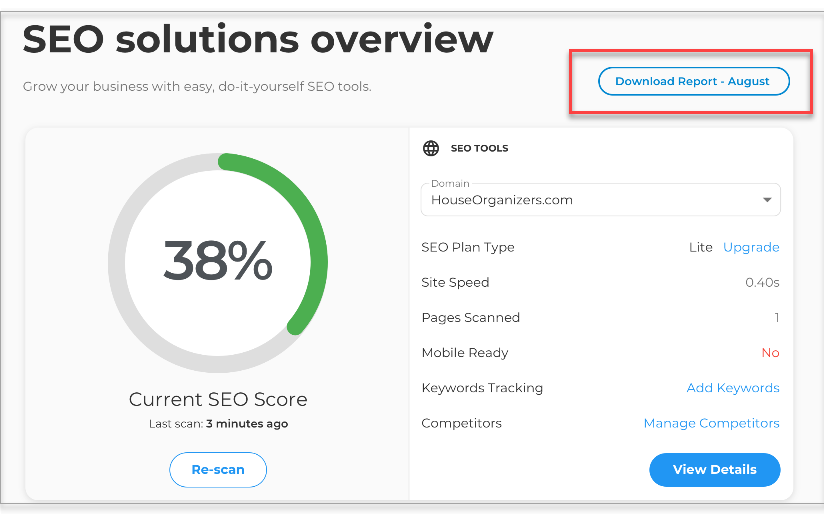
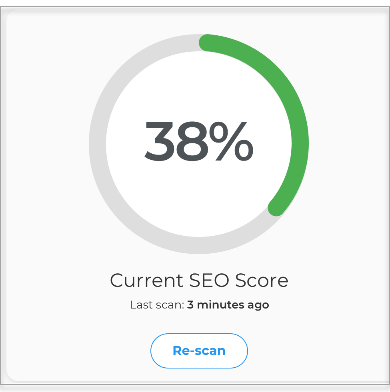
Re-scan
- Shows when the last scan was made
- Re-scan button
- Displays your SEO score
Download Report
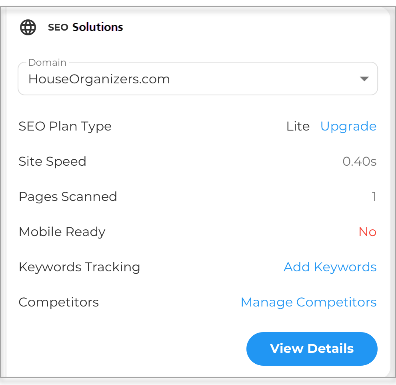
Click the Download Report button to save your SEO report on your computer.SEO Solutions
This section shows your SEO plan type, site speed, pages scanned, if your site is mobile-ready, keywords tracking (edit keywords), and an option to manage competitors.Click on the View Details button to:
- Audit your site
- Optimize your pages
- Increase your popularity through backlinks
- Access your SEO Settings
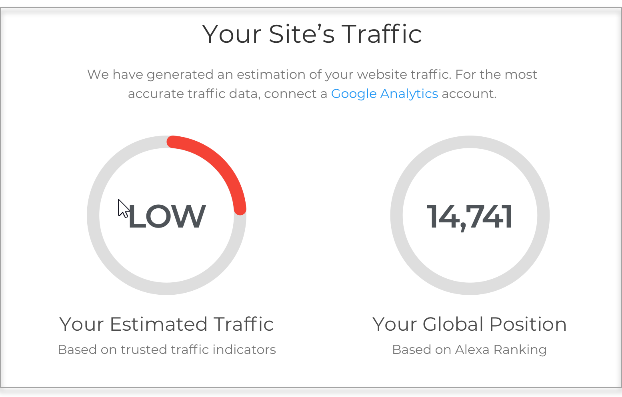
Connect Google Analytics
Click on the Connect button to link your Google Analytics account for us to show you detailed visit information from your dashboard.Back to top