Knowledge Base
Setting custom MIME types using the .htaccess editor
Set custom MIME types
MIME types tell browsers how to handle files. Most MIME types are set globally on our Web servers.- Log in to your account Hosting Summary.

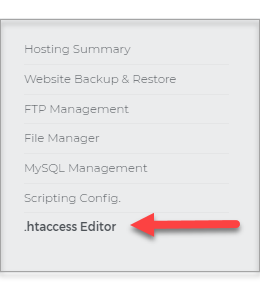
- On the left pane, click on .htaccess Editor.
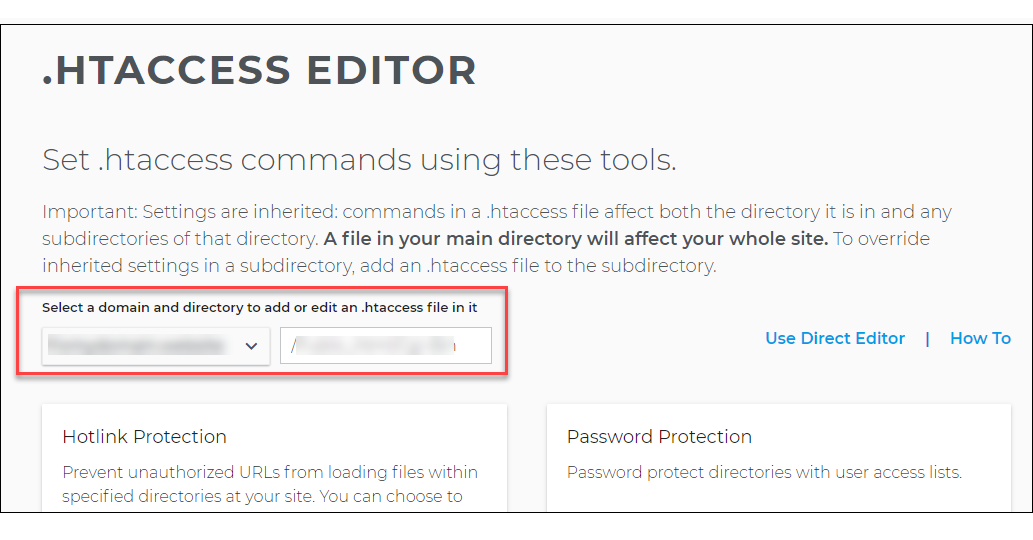
- Once in the .htaccess Editor page, select the domain and directory where you want to add or modify an .htaccess file.
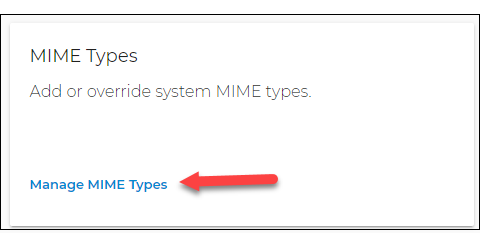
- Scroll down and look for the MIME Types lite. Then, click on the Manage MIME Types link.
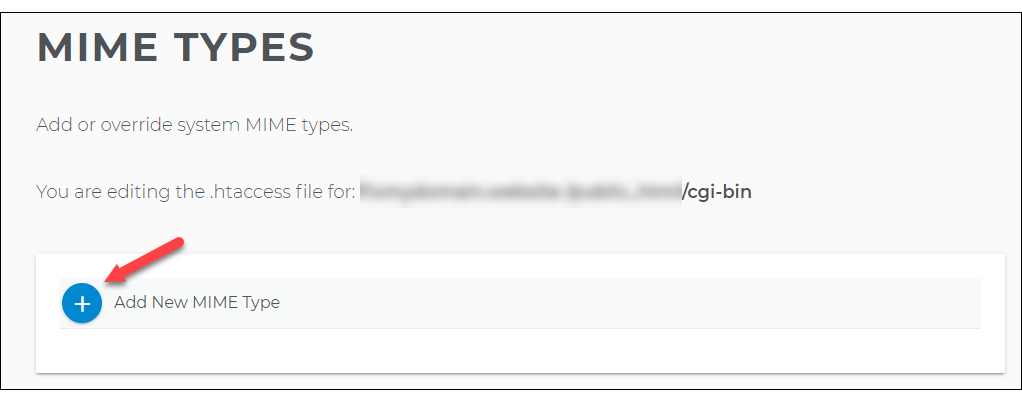
- In the MIME Types screen, click on the blue Plus sign icon.
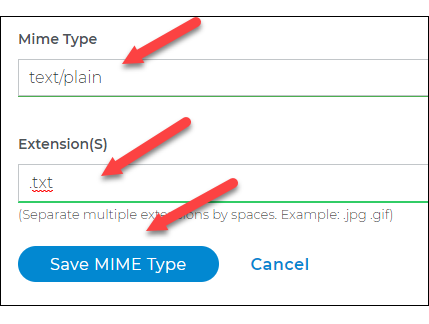
- Type in the MIME type and the Extention in their respective text boxes. Once done, click the Save MIME Type button.
Important: All subdirectories of the selected directory will inherit the settings for the directory unless you apply different settings to specific subdirectories.