Knowledge Base
Categories: Starter_Guide
Site Expresso: How to Add an Ecwid Store
Step by Step Walkthrough
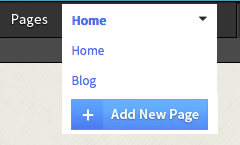
- Click the arrow next to Pages, then click on Add New Page.
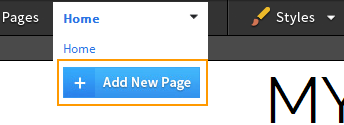
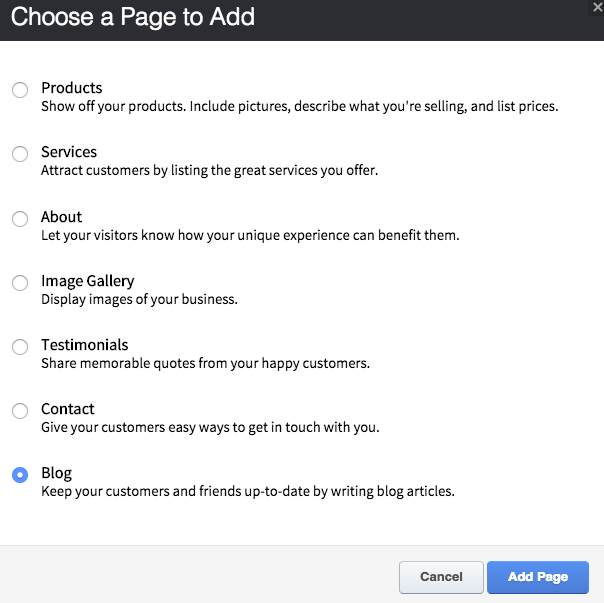
- Select Blog then click Add Page.
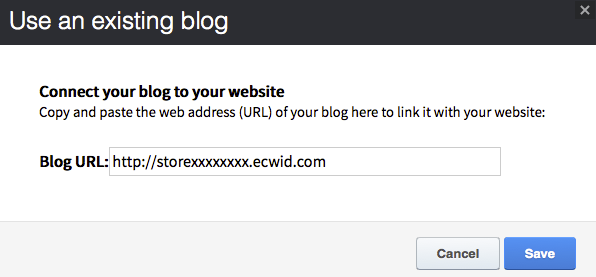
- Enter your Ecwid store URL then click Save.
- Click the arrow next to Pages, then click on Blog to edit your store page.
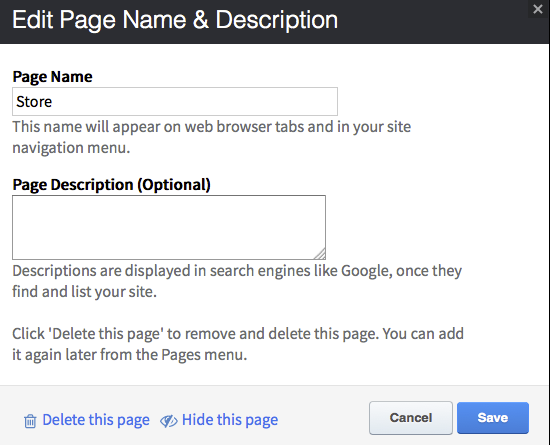
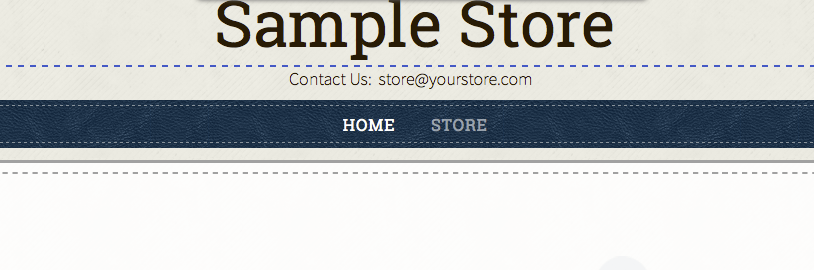
- Change Page Name from Blog to Store, then click Save.